





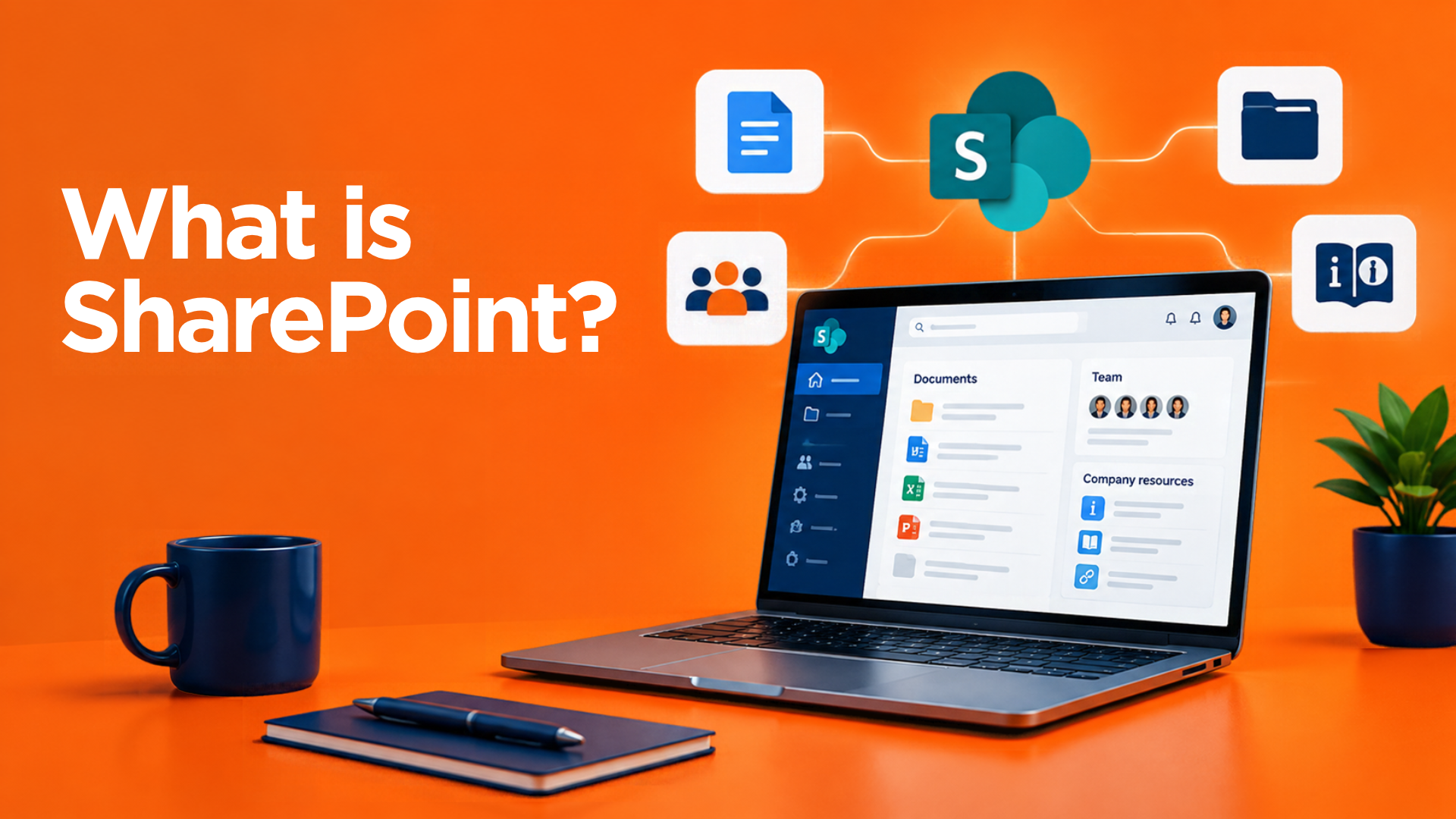
12 Nov What is SharePoint? A simple guide for small businesses
SharePoint is Microsoft’s place for storing, sharing and working on your business’s files. Think of it as your company’s shared drive, but in the cloud: your team can get to it from the office, from home or on their phone, and several people can work on the same document at the same time.
It’s included in most Microsoft 365 business plans (Business Basic, Business Standard and Business Premium). So if your business already uses Microsoft 365 for email, you’re probably already paying for it.
What is SharePoint used for?
Most small businesses use SharePoint for one main job: storing the company’s shared files and folders. It can also:
- Keep everyone’s files in one place – no more hunting through emails, USB sticks or someone’s desktop.
- Let people work on the same document at once, with changes saved automatically.
- Control who sees what – for example, a Finance area that only the finance team can open.
- Keep earlier versions of a file, so you can go back if something is overwritten or deleted by mistake.
- Work with Microsoft Teams – every Team has a SharePoint site behind it, so files shared in a Teams channel are stored in SharePoint.
- Act as a simple intranet – a home page for company news, policies and useful links.
SharePoint, OneDrive and Teams: what’s the difference?
These three get mixed up a lot. In simple terms:
- SharePoint is for shared company files – things the whole team, or a department, needs.
- OneDrive is for each person’s own work files – the cloud version of “My Documents”.
- Teams is where people chat, meet and work together. When you share a file in a Teams channel, it’s actually stored in SharePoint.
OneDrive also does a useful job for SharePoint: it can sync SharePoint folders to your laptop, so they appear in File Explorer (or Finder on a Mac) like normal folders. You choose which folders to sync, you can work on files offline, and your changes sync back automatically the next time you’re connected. Our simple guide to SharePoint and OneDrive explains this in more detail.
Could SharePoint replace your office server?
For many small businesses, yes. Traditionally, shared files lived on a server in the office, with folders set up so each person could only open what they needed. SharePoint does the same job without the hardware:
- No server to buy, maintain and replace every few years – and no paying to extend the warranty on an ageing one to keep it going.
- Files are available anywhere, not just in the office or over a VPN.
- Microsoft looks after the hardware, updates and availability.
A server is still sometimes needed, usually for older business software that has to be installed locally. But many of our customers have moved their files off their office server and into SharePoint over the past few years.
Setting SharePoint up properly
SharePoint is easy to start using, but a little planning at the start makes a big difference. The main things to get right are:
- Structure: how many sites or libraries you need (often one per department) and how the folders inside them are laid out.
- Permissions: who can see and edit what. If you don’t set these, everyone can usually open everything.
- Security: multi-factor authentication (MFA) on every Microsoft 365 account. Without it, anyone who steals a password through a phishing email can get into your files.
- Sharing outside the business: whether staff can share files with customers and suppliers, and how.
- Backup: SharePoint’s recycle bin and version history only go back so far. A separate Microsoft 365 backup protects you if files are deleted, overwritten or encrypted by ransomware. Here’s why it matters.
How we can help
We can help you set up SharePoint, move your files across from an old server, or tidy up a SharePoint site that has grown messy over the years. You can read more about our Microsoft 365 service here, or about SharePoint specifically.
Please fill in the form below, or give us a call on 0121 663 0203.
