





28 Oct Business Premium vs Business Standard: why we recommend Microsoft 365 Business Premium
Most small businesses we speak to are on Microsoft 365 Business Standard rather than Business Premium. It gives you the desktop Office apps, email, Teams, OneDrive and SharePoint. For getting work done, it’s excellent. However, it doesn’t do much to protect you.
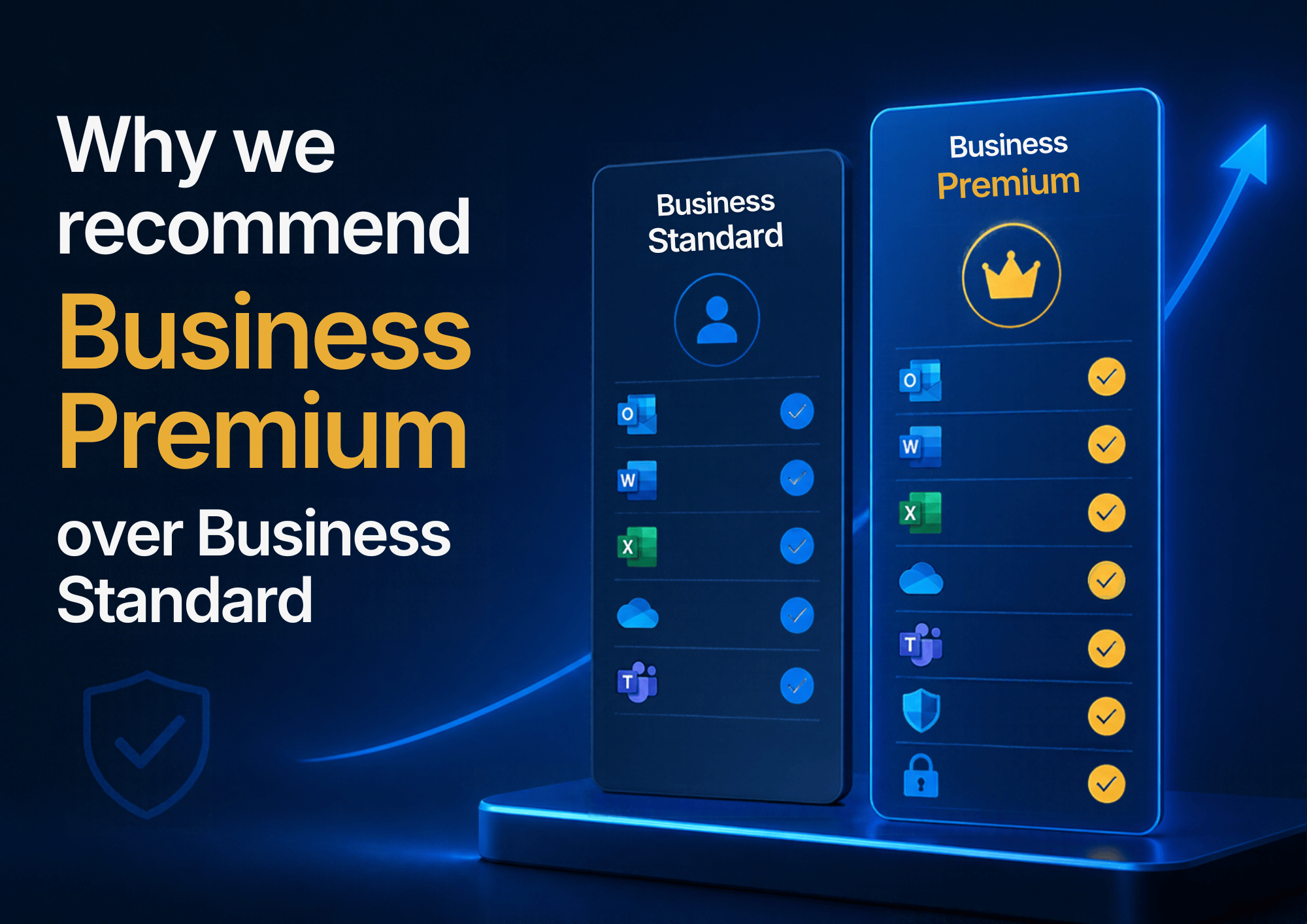
Microsoft 365 Business Premium includes everything in Standard, plus a set of security tools that Microsoft otherwise sells separately. For almost every business we look after, we think Business Premium is the best-value security upgrade available.
In this post we explain what you actually get with Business Premium and how it works with the security we already include. We also cover what it means for your Microsoft Secure Score, cyber insurance and Cyber Essentials.
In short
- Business Premium includes everything in Business Standard, plus Microsoft’s main security tools: device protection, stronger email protection, Conditional Access and device management.
- It costs around £7.38 more per user per month, and the gap has narrowed since July 2026. (For charities on Microsoft’s nonprofit pricing, it’s less than £2 more.)
- It improves your Microsoft Secure Score, makes cyber insurance questions easier to answer, and gives you evidence for Cyber Essentials.
- It works alongside the managed EDR and ITDR we already include.
- Our view: for almost every business, it’s the best-value security upgrade available.
Jump to: Cost | What you get | Secure Score | Cyber insurance | Cyber Essentials | Is it right for you?
Business Premium vs Business Standard: what does the upgrade cost?
In July 2026 Microsoft put up the price of Business Standard but left Business Premium unchanged. As a result, the gap between the two plans is now smaller than it has been for years.
On a monthly commitment, Business Standard is £12.90 per user per month and Business Premium is £20.28 (both ex VAT). That’s a difference of around £7.38 per person. For a team of 10, the upgrade costs roughly £74 a month.
If you’re a registered charity, the gap is even smaller. With Microsoft’s nonprofit pricing, Business Standard is around £2.60 per user per month and Business Premium is £4.20, so the upgrade costs less than £2 more per person. Microsoft stopped giving charities free Business Premium licences in July 2025, so this discounted price is now the way most charities get it.
For a full breakdown of every plan, see our guide: How much does Microsoft 365 cost for a business?
To put that in context, the tools below would cost considerably more if you bought them one at a time.
What Business Premium adds, and why it matters
Microsoft Defender for Business (endpoint protection)
Business Standard relies on the basic antivirus built into Windows. Defender for Business goes much further.
Rather than only looking for known viruses, it watches how programs behave on each device. It then flags anything suspicious, such as a file suddenly encrypting hundreds of documents. If something looks wrong, it can investigate automatically and cut the device off from the network so the problem can’t spread.
How it works with our managed security. Our support already includes managed endpoint detection and response (EDR), monitored around the clock by a dedicated security team. That service plugs straight into Defender for Business. As a result, the team sees Defender’s alerts alongside their own, and steps in when something needs action. In other words, you get two layers of protection that talk to each other. You can read more in why antivirus is no longer enough.
Defender for Office 365 Plan 1 (advanced anti-phishing and Safe Links)
Email is still where most attacks start. Every Microsoft 365 plan includes basic spam and malware filtering. Business Premium, however, adds three things that make a real difference:
- Safe Links checks a link at the moment someone clicks it, not just when the email arrives. This matters because attackers often send a clean link and switch it to a malicious page hours later.
- Safe Attachments opens attachments in a secure, isolated space first, to see what they do before they reach your staff.
- Impersonation protection spots emails pretending to be from your directors, your suppliers or your own domain. This is how most invoice fraud works.
Microsoft Entra ID P1 (conditional access and SSO)
Entra ID is the system that handles everyone’s logins. On Business Standard you can switch on multi-factor authentication (MFA) using Microsoft’s “security defaults”. However, it’s an all-or-nothing setting with very little control.
Business Premium adds Conditional Access, which lets us set rules about who can sign in, from where, and on what device. For example, we can:
- Only allow access to company email and files from devices we manage.
- Block sign-ins from countries you don’t do business in.
- Require MFA every time for anyone with admin rights.
- Block older sign-in methods that can’t use MFA at all.
It also brings single sign-on (SSO), so staff can use their Microsoft 365 login for other business apps. That means fewer passwords to remember, and fewer to steal.
How it works with our identity protection. Our support also includes Synium ITDR (identity threat detection and response). It watches your Microsoft 365 accounts 24/7 for signs of a stolen or hijacked login. If it finds one, it locks the account. Conditional Access complements it, because it makes a stolen password much harder to use in the first place. Put simply, Business Premium makes the doors harder to open, and our monitoring catches anyone who still gets through.
Microsoft Intune (mobile and PC device management)
Intune lets us manage every laptop, desktop and phone that touches your business data from one place. For instance, we can make sure every device uses encryption and a password or PIN. We can also check it gets its updates and has the right apps. We can even set up new laptops automatically, straight out of the box.
Intune also feeds into Conditional Access. So if a device falls behind on updates, or someone turns its security off, we can block it from company data until it’s fixed.
Remote wipe of lost or stolen devices
With Business Premium, we can remotely lock or wipe Windows laptops as well as phones and tablets.
On staff members’ personal phones, we can do a selective wipe. This removes company email and files while leaving their own photos and apps alone. As a result, it’s much easier to agree a sensible policy for people who use their own phones for work.
Data classification and encryption
Microsoft used to call this Azure Information Protection, and it’s now part of Microsoft Purview. It lets you label documents and emails, for example “Internal” or “Confidential”, and attach protection to them.
You can encrypt a confidential document so that only the right people can open it. That stays true even if someone forwards it or copies it to a USB stick. For HR records, financial information and client data, it’s a practical way to meet your UK GDPR responsibilities.
How Business Premium improves your Microsoft Secure Score
Microsoft Secure Score is Microsoft’s own measure of how well your Microsoft 365 setup is protected. It appears as a percentage in your admin centre, lists recommended actions, and gives you points for each one you complete.
You simply can’t complete many of the recommendations on Business Standard, because the features aren’t there. These include Conditional Access policies, Safe Links, Safe Attachments and device compliance rules. Moving to Business Premium therefore raises the ceiling on what your score can reach, and so improves your overall security posture.
That said, the licence on its own doesn’t change your score. Someone has to set the features up properly, and that’s the part we do for you.
Cyber insurance
Cyber insurance questionnaires have become much more detailed. Insurers now routinely ask whether you have MFA on all accounts and EDR on every device. They also ask about phishing protection and control over the devices your staff use. Some will decline cover, or add exclusions, if the answers are no.
Business Premium, together with the managed EDR and ITDR we already include, lets you answer yes to most of those questions. Just as importantly, it lets you show evidence to back that up.
We can’t promise it will lower your premium, since that depends on your insurer. Even so, it puts you in a much stronger position at renewal. It also makes it less likely that your insurer challenges a claim because a control wasn’t actually in place. For more on this, read why your business needs cyber insurance.
Business Premium and Cyber Essentials
If you’re working towards Cyber Essentials, or already hold it, Business Premium makes life easier.
Since 27 April 2026 the scheme has been stricter. You must now switch on MFA for every cloud service that offers it. You must also apply security updates within 14 days. Failing either is an automatic fail.
To be clear, you don’t need Business Premium to pass Cyber Essentials. But Conditional Access lets us enforce MFA for everyone, rather than hoping each person has turned it on. Intune also gives us a clear record of which devices are up to date, encrypted and configured correctly. Together, they turn many assessment questions from “we think so” into “here’s the evidence”.
You can find out more in What is Cyber Essentials? and how we help you get certified. Synium IT is Cyber Essentials certified ourselves, so we know the process from both sides.
Is Business Premium right for every business?
For most businesses whose staff handle email, client information or money, yes. Still, there are a few points worth knowing:
- Business Premium is available for up to 300 users.
- Microsoft requires a licence for everyone that features like Conditional Access protect. For that reason, it usually makes sense to move the whole business rather than a few people.
- The benefit comes from setting it up properly. A Business Premium licence left on default settings gives you very little more than Standard.
Talk to us about upgrading
Are you on Business Standard and wondering what Business Premium would mean for your business? Get in touch. We’ll explain the cost, what we’d switch on, and the likely effect on your Secure Score. You can read more about our Microsoft 365 service here.
Please fill in the form below, or give us a call on 0121 663 0203.
