





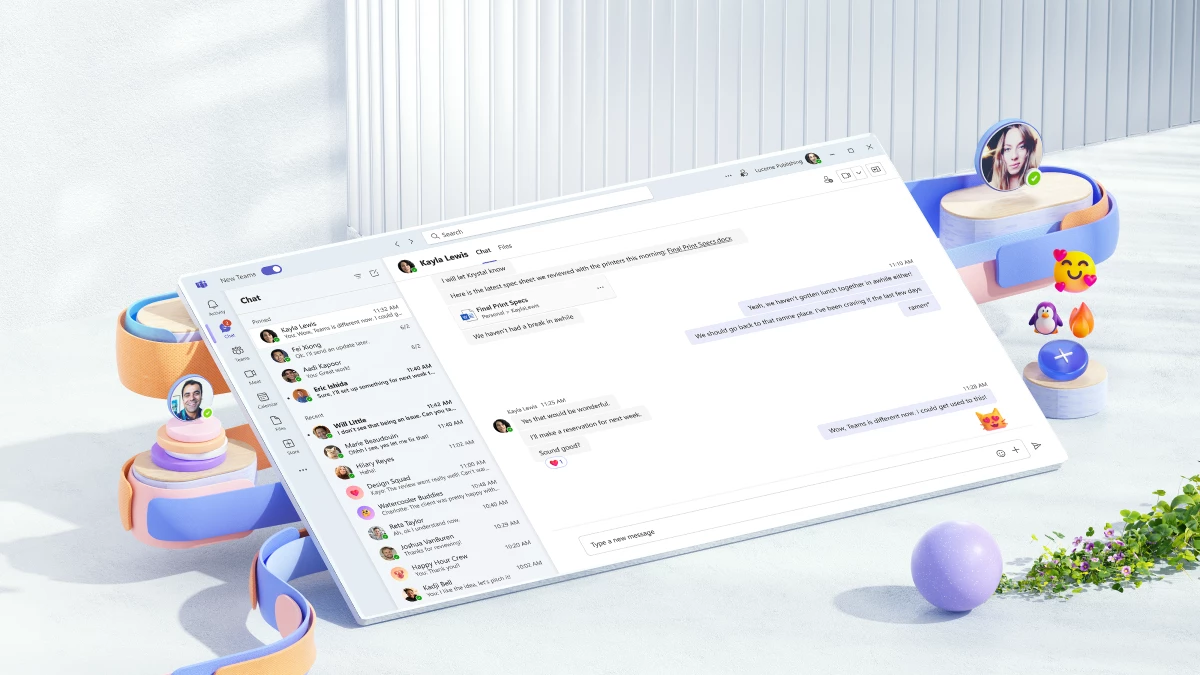
28 Mar Microsoft Teams gets a major overhaul
Microsoft Teams, the incredibly popular collaboration platform, is about to launch a new version, promising to take the user experience to the next level. With features that enable a more seamless and productive working environment, the new version is set to revolutionize the way teams communicate and collaborate – it looks great too.
One of the most exciting new features is the introduction of the “Together Mode,” which places all participants in a virtual room, making it feel like they are in the same physical space. This innovative feature can help to improve team communication and collaboration, as it creates a more engaging and interactive environment.
Another great feature is the ability to connect to two 365 tenants (two domains) – meaning you can stay logged into to multiple accounts (and not have to keep logging out and into a new one) – this could be a huge bonus for those who work across multiple organisations.
The new version also includes improvements to the chat function, with the ability to pop-out chat windows, making it easier to multi-task while communicating with colleagues. The updated Teams also includes a new way of organizing channels, which helps to streamline conversations and access to shared files.
Another notable update is the expanded capabilities of the search function, which now includes the ability to search for specific messages or content within files. This makes it easier for teams to find the information they need quickly and efficiently.
In addition to these new features, the new version of Teams also includes enhancements to the security and compliance functions, ensuring users can collaborate with confidence, knowing their data is secure and protected.
Overall, the new version of Microsoft Teams promises to be a game-changer for teams looking to improve collaboration and productivity. With its innovative features and user-friendly interface, it offers a powerful solution for organizations looking to enhance their remote work capabilities.
Many organisations just use Teams for video calls, but it is also a fantastic application for Chat – and can hugely reduce the amount you use Email (which can only be a good thing) – Teams also has phone system functionality (in fact we have been using Microsoft Teams as our phone system for nearly two years now – and love it). Whatever the size of your organisation, Microsoft Teams can help to streamline your workflow and enable your team to work together more effectively.
It is currently in ‘Preview Mode’ which means you need to have your 365 Administrator turn it on for you – and you can then let users decide if they want to use it or not. This is a process that lets Microsoft monitor uptake and performance, whilst also ironing out any potential issues. More can be read here, in this Microsoft Blog post.
If you want us to turn it on for you, log a ticket on our helpdesk – and one of our team can get this sorted for you.
(image source from the Microsoft Blog)
